

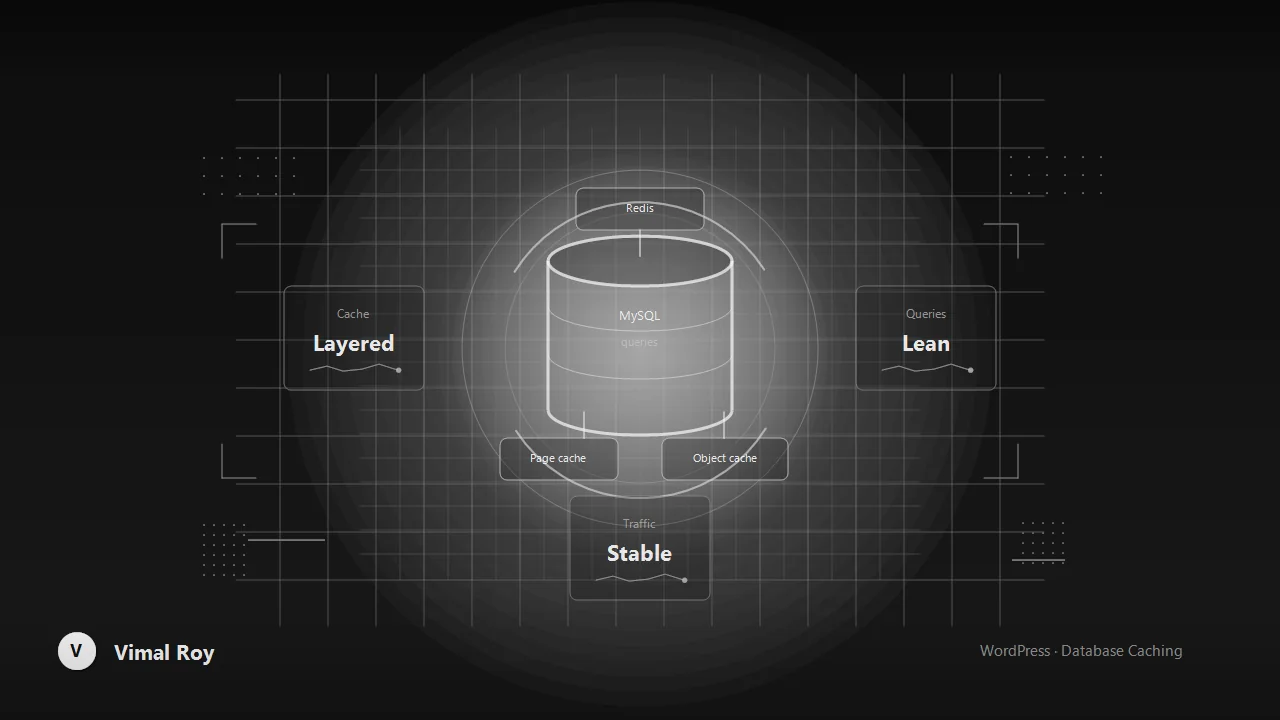
A page cache solves the easy problem: serving the same rendered HTML to anonymous visitors without hitting PHP or MySQL at all. It doesn't solve what happens underneath — every cache miss, every logged-in request, every dynamic fragment still has to run WordPress's actual queries. This is the layer that mattered most on Coin Edition as it scaled from 10K to 700K monthly visitors — page cache alone stopped being enough well before that ceiling.
Object caching is the layer most sites skip
Without a persistent object cache, WordPress's internal cache resets on every single request — wp_cache_get() and wp_cache_set() calls are still made, they just don't persist between page loads, so the same expensive queries run again and again. Adding Redis or Memcached as the object cache backend turns that into an actual cache: repeated queries, transients, and term/meta lookups get served from memory instead of round-tripping to MySQL.
// Transients automatically use the persistent object cache
// when one is configured — no extra code required, but it's
// worth confirming with an explicit check during setup:
if ( wp_using_ext_object_cache() ) {
    error_log( 'Persistent object cache is active' );
}
This single change is usually the highest-leverage fix available on a site that's already page-cached but still slow for logged-in editors, WooCommerce carts, or any request that can't be served from the page cache.
Audit the options table before it audits you
The wp_options table has an autoload column, and every row marked autoload = 'yes' gets pulled into memory on every single request — even ones that never touch that data. Plugins are the usual culprit, quietly autoloading megabytes of settings, transients that were never marked for exclusion, or serialized arrays that grow unbounded over time.
- Query
wp_optionssorted by size withautoload = 'yes'periodically; anything unexpectedly large is worth investigating. - Make sure transients that don't need to be autoloaded are stored with
set_transient(), which handles this correctly by default — the problem is almost always a plugin bypassing the API with rawadd_option()calls. - Deactivating a plugin doesn't always clean up its options — a periodic audit catches orphaned rows from tools that were removed months ago.
Meta queries don't scale linearly
WP_Query with multiple meta_query clauses is convenient and, at scale, one of the most common sources of slow admin screens and archive pages — each clause is effectively a JOIN against the unindexed wp_postmeta table. For data that's queried constantly and needs to scale, a custom table with proper indexes will consistently outperform stacking meta queries, even though it means giving up some of the convenience of the native WordPress APIs.
- Reach for a custom table when a field is queried or sorted on frequently and at volume — not for every custom field.
- Where
meta_queryis unavoidable, keep it to a single clause where possible and confirm the meta key is one WordPress can use an index-friendly comparison on. - Index-heavy custom tables belong behind their own small data-access layer so the rest of the theme doesn't need to know the difference.
Layering it correctly
Page cache in front, object cache underneath, and a database schema that doesn't force expensive joins for common queries — each layer covers what the one above it misses. Skipping the middle layer is the most common gap: sites that are fast for anonymous visitors and slow for everyone else almost always turn out to have no persistent object cache at all.
The compounding effect
None of these changes are visible to a visitor looking at a single page load. What they add up to is a site that stays fast under concurrent load, doesn't degrade as the options table grows over years of plugin churn, and scales its database work roughly with actual traffic instead of with the number of features bolted on. That's the difference between a site that's fast in a benchmark and one that's fast at 3pm on a traffic spike.