

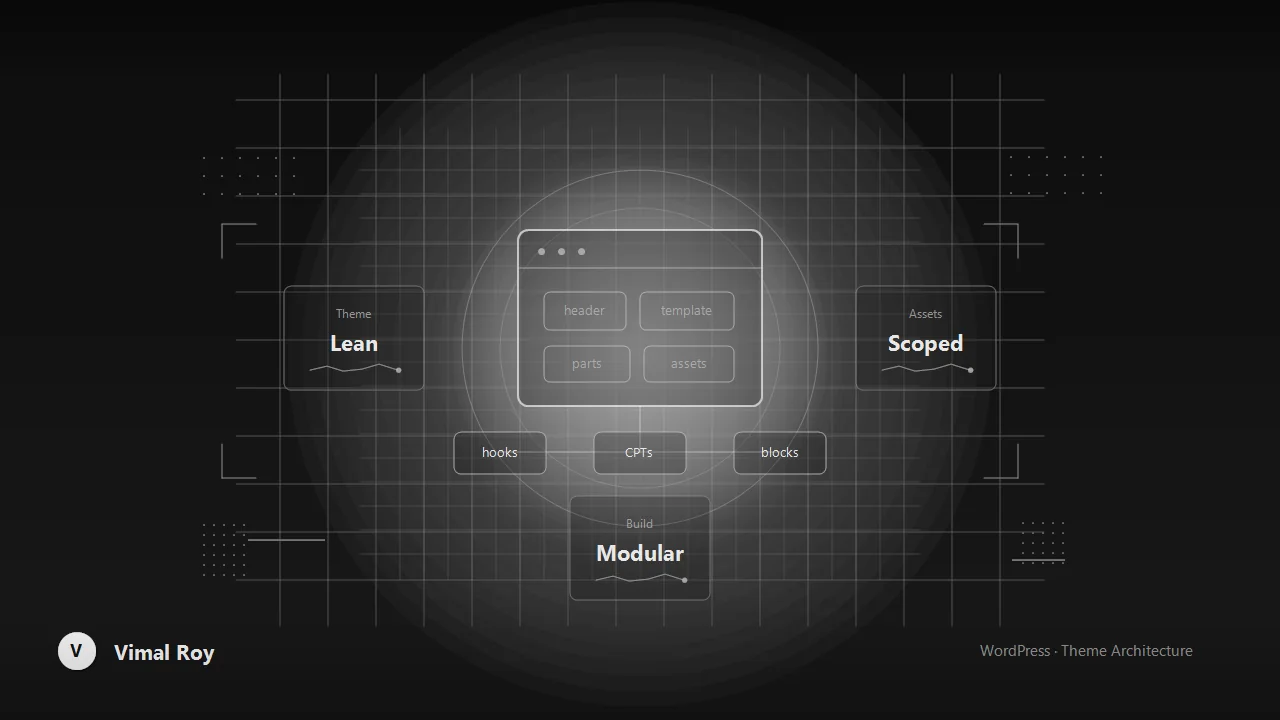
Page builders and bloated starter frameworks solve a real problem — getting something on screen fast — but they solve it by shipping every possible feature to every page, whether it's used or not. On a site that needs to handle real traffic and stay maintainable for years, that trade stops making sense. This is the approach behind the custom theme built from scratch for AMBCrypto: a hand-built, modular theme that took longer on day one and paid that back many times over in performance and developer sanity.
Start with the dependency budget
Before writing a single template, it's worth deciding what the theme is not allowed to load by default: no bundled page-builder runtime, no jQuery unless a specific admin-facing feature genuinely requires it, no default Gutenberg block library CSS if the theme ships its own block styles. Every dependency gets justified per-template rather than enqueued globally.
// Conditionally load assets per template instead of globally
add_action( 'wp_enqueue_scripts', function () {
    if ( is_singular( 'post' ) ) {
        wp_enqueue_style( 'article-styles', get_theme_file_uri( '/assets/css/article.css' ), [], THEME_VERSION );
    }
    if ( is_front_page() ) {
        wp_enqueue_script( 'homepage-carousel', get_theme_file_uri( '/assets/js/carousel.js' ), [], THEME_VERSION, true );
    }
} );
That one pattern — load what a template actually needs, nothing more — routinely does more for page weight than any minification plugin applied after the fact.
Template parts, not template duplication
The fastest way for a custom theme to become unmaintainable is copy-pasting markup across single.php, archive.php, and page.php. Breaking the theme into template-parts/ components (a post card, a byline block, a related-content module) and pulling them in with get_template_part() means a design change happens in one file instead of six.
- Keep template parts stateless where possible — pass data in via
get_template_part( 'template-parts/post-card', null, [ 'post' => $post ] )rather than relying on global state. - Name files by what they render, not where they're used, so they stay reusable as the site grows new sections.
- Treat the theme as child-theme-ready from day one — hooks and filters at the right points cost nothing now and save a rebuild later.
Custom post types over generic content dumping
Content-heavy sites tend to accumulate "one more field" on the default post type until it's carrying five unrelated concerns. Separating genuinely distinct content — reviews, guides, market data, whatever the site actually publishes — into their own post types with their own template hierarchy keeps queries targeted and templates simple, instead of every archive template branching on a dozen conditional fields.
Minimal framework, maximal clarity
None of this means avoiding tools — Tailwind for utility-first styling or a small build step for asset bundling are fine additions. The line is between tools that compile down to exactly what's used, and frameworks that ship a runtime and a philosophy the project didn't ask for.
The compounding effect
A lightweight custom theme isn't lightweight because of one clever trick — it's lightweight because every template only loads what it needs, every component exists once, and every dependency was a deliberate choice rather than a default. The upfront cost is a slower first sprint. The long-term payoff is a theme that stays fast and maintainable as the site — and the team working on it — grows.